Pray before you scroll.
Choose the apps you want to open less. At the times you set, they show a verse instead; to open them, read a chapter, pray, or wait ten seconds.
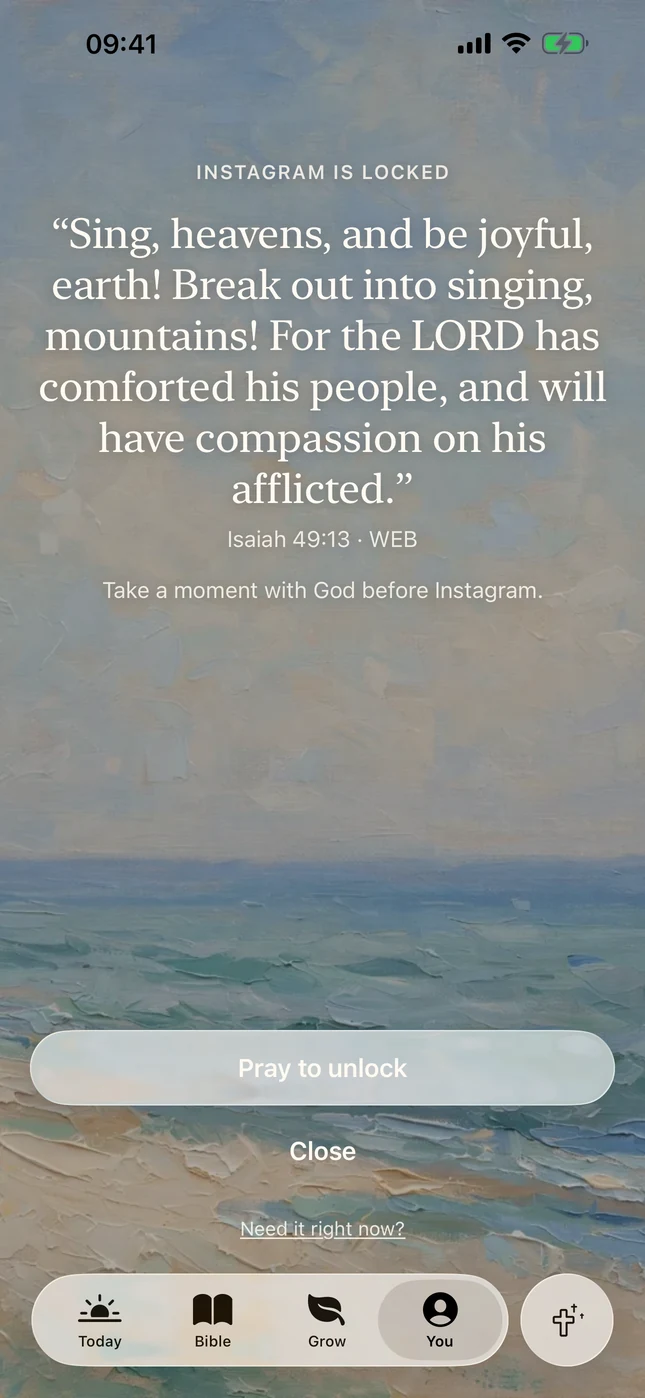
Pray to unlock
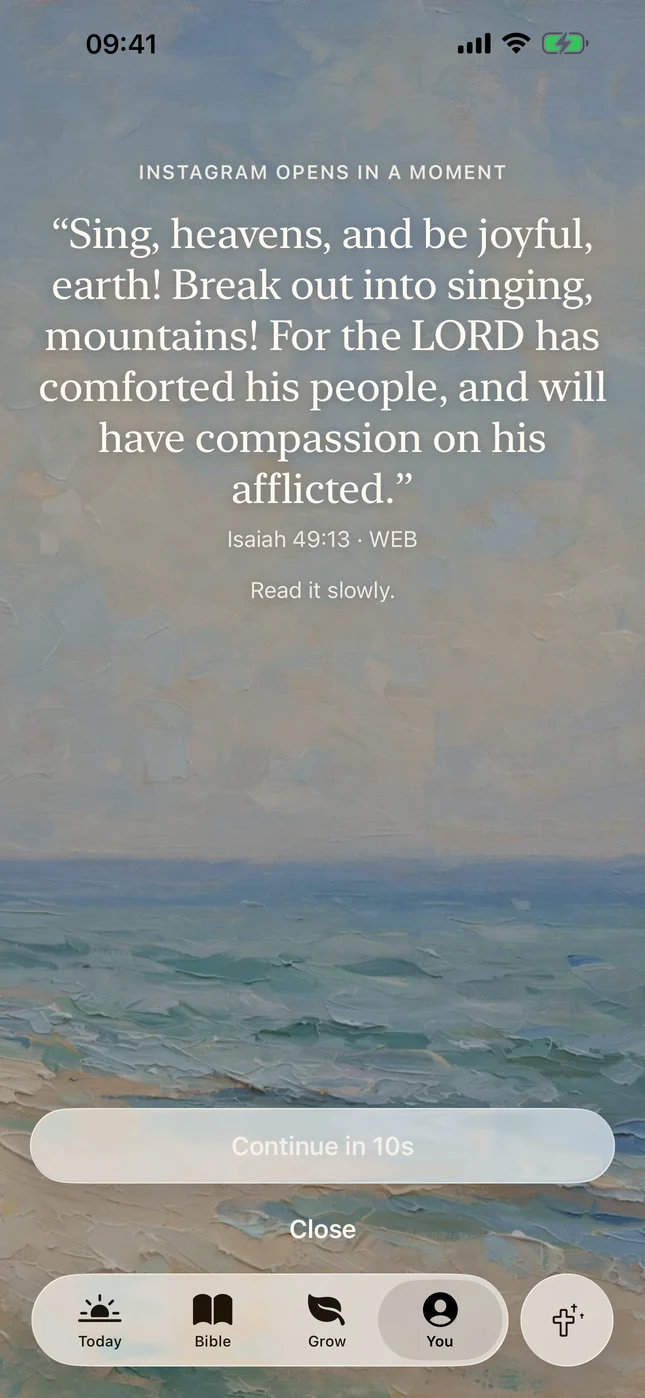
A verse, then continue
Three ways back in
When you set Focus up, you choose what opens a locked app.
- Read a chapter
- The shield asks for a few minutes in the Word first. Tap Open Bibled, then the Tap to unlock notification, and read.
- Pray for 3 minutes
- The shield says “Take a moment with God” and offers Pray to unlock, which takes you into Bibled to pray, with a guided prayer or on your own.
- Read a verse, then continue
- The lightest: one verse and a ten-second pause on the shield itself, then Continue.
Setting it up
About a minute, from the Grow tab.
Turn on Focus
- Open Grow, tap Focus, then Set up Focus.
- Choose how you will unlock: read a chapter, pray, or read a verse.
- Tap Allow access to connect Bibled to Screen Time.
- Choose the apps that pull you away, then tap Confirm.
- Pick the days and the times Focus locks them, and how long they stay open after you unlock. Tap Save schedule.
A locked app stays locked until you unlock it your chosen way. After that it opens for the time you picked, or until the next lock time.
Always yours to undo
- When you need an app now
- Emergency unlock in Focus opens your apps for 15 minutes (up to three times a day) or for the rest of the day, or lets you make Focus lighter or turn it off.
- Turning it off
- In Focus, open Focus settings and tap Turn off Focus.
- What Bibled can see
- Nothing about your apps. Focus uses Apple’s Screen Time with your permission, for your own iPhone only. Bibled holds Apple’s private tokens for the apps you pick, never their names or how you use them, and nothing about them leaves your phone.

Meet a verse before the feed.
A quiet place to start each day with God: one verse, a short reading and a prayer, on paintings.
Download on theApp Store
No account. No ads. Nothing social.